Best of · 12 min read

Best admin dashboard templates

Dashboards sell screenshots. Buyers need layout systems, data tables, and permission-aware nav that plug into a real backend - not a Figma export with fake charts.

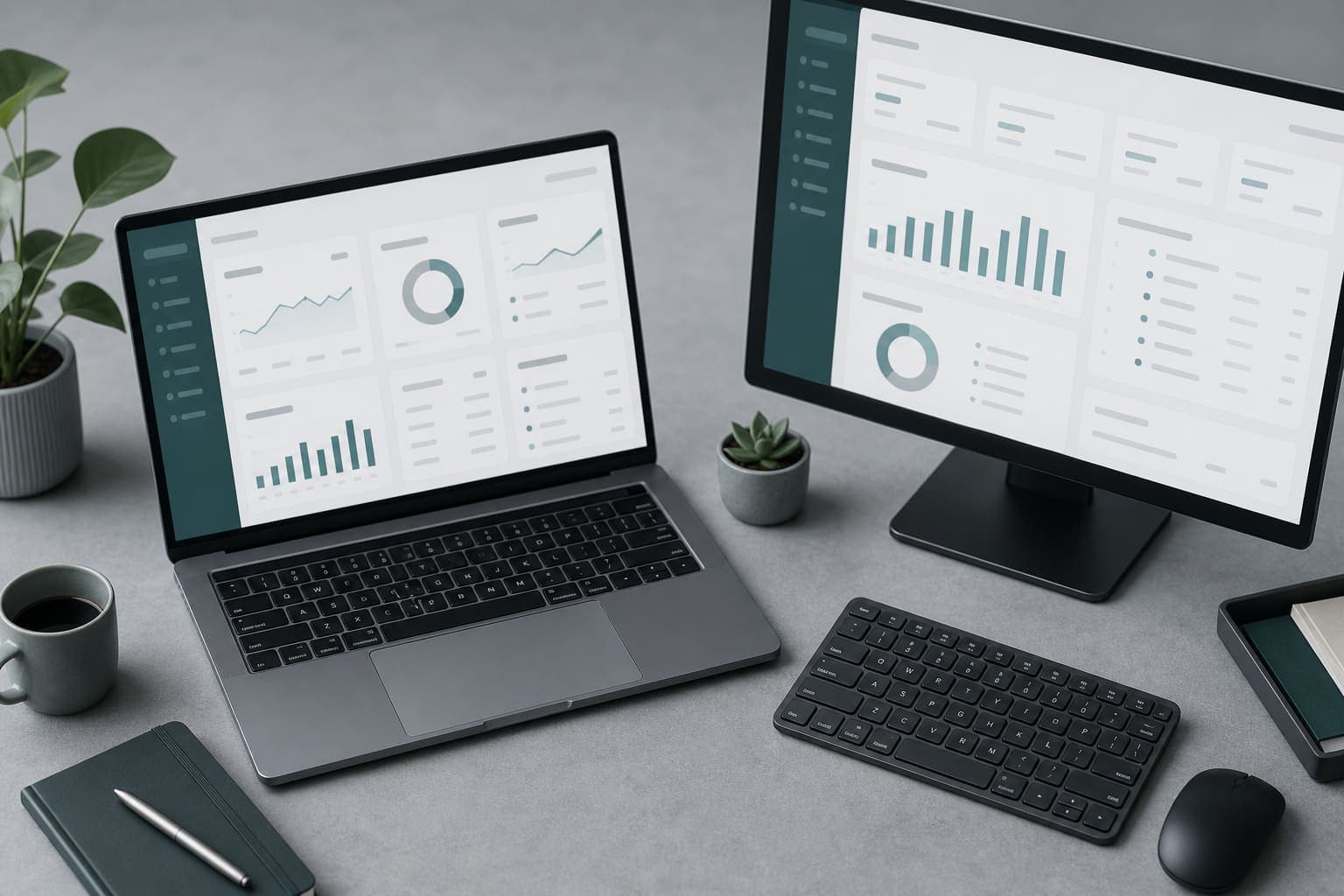
Editorial cover for best admin dashboard templates

How we chose

  • Protected routes and role placeholders or documented RBAC.
  • Reusable table/filter patterns, not one-off pages.
  • Empty and loading states included.
  • Design tokens you can rebrand without rewriting every component.
  • Settings and profile examples that mirror real SaaS apps.

Choose a dashboard kit when you already have APIs, or choose a full boilerplate when you still need auth and billing. Mixing a pretty admin shell with no session model is a common false economy.

What good admin kits include

  • Sidebar + top bar layout with responsive collapse.
  • CRUD list/detail patterns.
  • Settings and profile pages as examples.
  • Chart components that accept your data, not only hardcoded demo JSON.
  • Command palette or global search if the information density is high.

Internal tool vs customer-facing portal

  • Internal: optimize for dense tables, keyboard shortcuts, audit logs.
  • Customer portal: optimize for clarity, brand, and limited permissions.
  • Same kit can serve both only if nav and roles are configurable.

Data wiring checklist

  1. Replace mock fetchers with your API or server actions.
  2. Keep pagination server-side for large tables.
  3. Add authorization checks on every mutation, not only the layout.
  4. Instrument key actions for support later.
Filter admin-dashboards with Next.js or shadcn/ui if that matches your design system. Then confirm the kit's auth assumptions match your existing session model.

Accessibility and density

Admin UIs fail quietly when focus states and table semantics are missing. Prefer kits that use real buttons, labels, and keyboard-reachable menus - especially if operators live in the UI all day.

When to skip a dashboard-only kit

  • You still need signup, billing, and marketing pages - buy a full boilerplate.
  • You only need three CRUD screens - build them on your existing UI kit.
  • The listing is screenshots without a runnable app shell.

FAQ

What should I look for in best admin dashboard templates?

Admin dashboard kits with auth-aware layouts, tables, empty states, RBAC placeholders, and patterns for internal tools or customer portals on Twenty. On Twenty we also require clear setup instructions and a deployable archive.

How does Twenty choose kits for this roundup?

We score listings against a fixed bar: Protected routes and role placeholders or documented RBAC. Reusable table/filter patterns, not one-off pages. Empty and loading states included. (and related checks on the full page).

Where can I browse matching kits on Twenty?

Open the marketplace with the filters linked from this roundup. The primary filter set starts at /market?category=admin-dashboards.

Is this a ranking of specific paid products?

These pages are buyer guides with evaluation criteria and marketplace filters. Individual listings change as the catalog grows - always read setup instructions on the product page before you buy.

Ready to shortlist kits?

Open the marketplace with the filters from this roundup and compare setup docs before you buy.